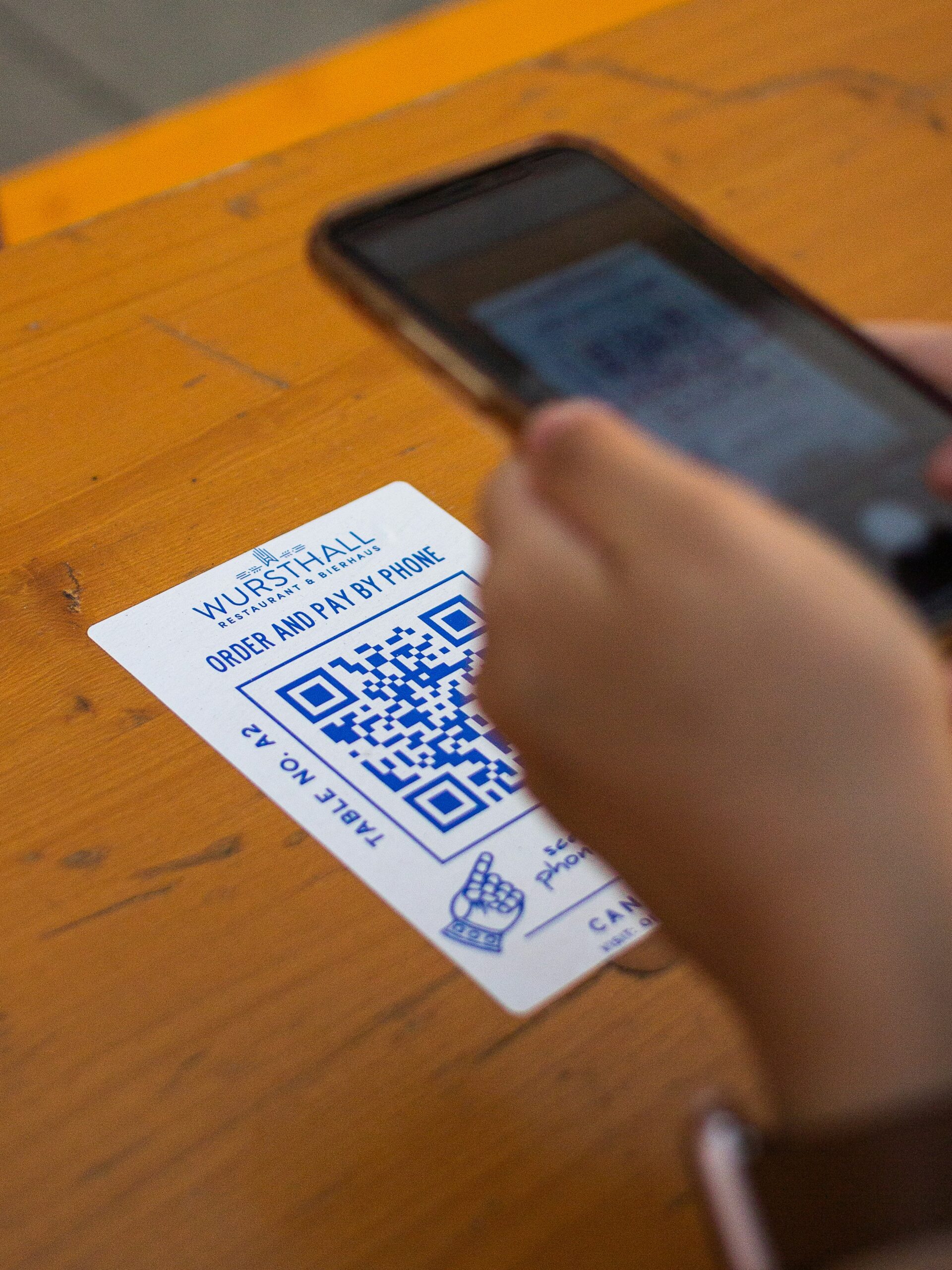
You’ve probably seen QR codes everywhere — from restaurant menus and event passes to product packaging. They’re one of the easiest ways to connect the offline world with the digital one.
But when you actually try to create a QR code for free, you’ll notice something: most free tools either watermark your code, limit your scans, or expire after a few days.
That’s where Here’s Your QR steps in — a reliable, no-fuss way to generate and manage QR codes for free. In this guide, you’ll learn exactly how to create your first QR code step-by-step, what makes a generator trustworthy, and how to make sure your code always works when you need it.
Why It Matters: Free Doesn’t Have to Mean Limited
QR codes are more than just scannable images — they’re how people access information, menus, sign-up pages, and digital experiences instantly. For small business owners, event managers, or creators, being able to make unlimited QR codes for free can save time and money.
The problem? Not all free generators are equal.
Some “free” tools lock features behind sign-ups, restrict downloads, or even collect your scan data. Others don’t let you update your link later, which means every time your content changes, you need to reprint your codes.
That’s why choosing a trustworthy free QR code generator matters — one that balances ease of use, quality, and control.
What Makes a Good Free QR Code Generator?
Before jumping into the steps, it’s important to know what to look for in a generator. Here are five things that separate the good from the unreliable:
1. Unlimited Free Generations
You shouldn’t have to pay to test ideas. A great generator lets you make as many QR codes as you want — no hidden caps or trial walls.
2. Editable Links (Dynamic QR Codes)
Static codes are locked once created. Dynamic QR codes let you update what they link to anytime — even after you’ve printed them. (You can learn more about the difference between static and dynamic codes here.)
3. Scan Tracking
Basic analytics like total scans, location, and device type help you understand your audience better.
4. Customization Options
Being able to add colors, logos, or frames makes your QR stand out.
5. No Watermarks or Expiry Dates
Your brand deserves clean visuals and links that last forever.
Step-by-Step: How to Create a QR Code for Free
Ready to make your first QR code? Let’s go through the process on Here’s Your QR — one of the simplest, ad-free tools designed for creators, small businesses, and marketers alike.
Step 1: Go to Here’s Your QR (Free Generator)
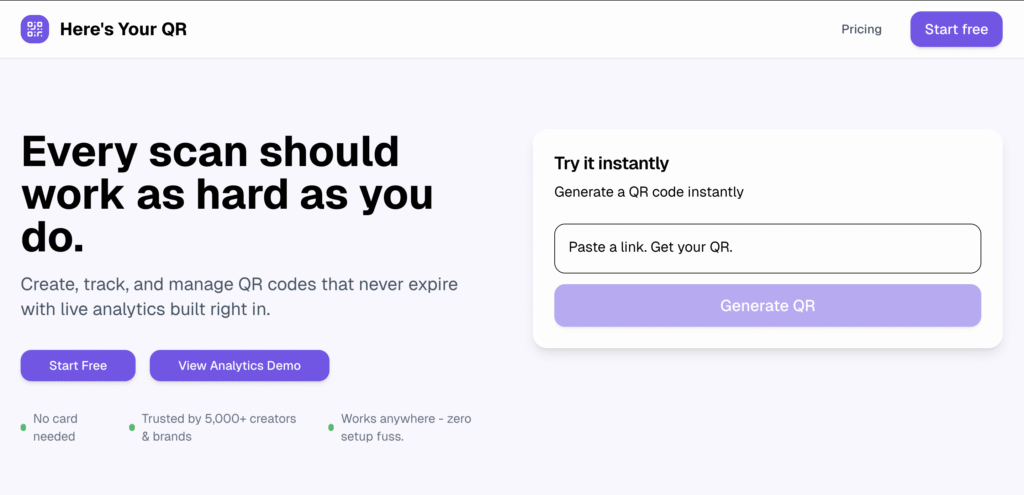
Visit Here’s Your QR. You’ll land on a clean, distraction-free dashboard that lets you create your code instantly — no login required.
Step 2: Choose What You Want Your QR to Do
You can create a QR for almost anything. Common types include:
- Website URL
- Business card (vCard)
- PDF or document
- Social media link
- Event details
- Wi-Fi connection
- Email or text
For example, if you’re promoting a portfolio site, select “Website” and paste your link.
Step 3: Customize the Look of Your QR
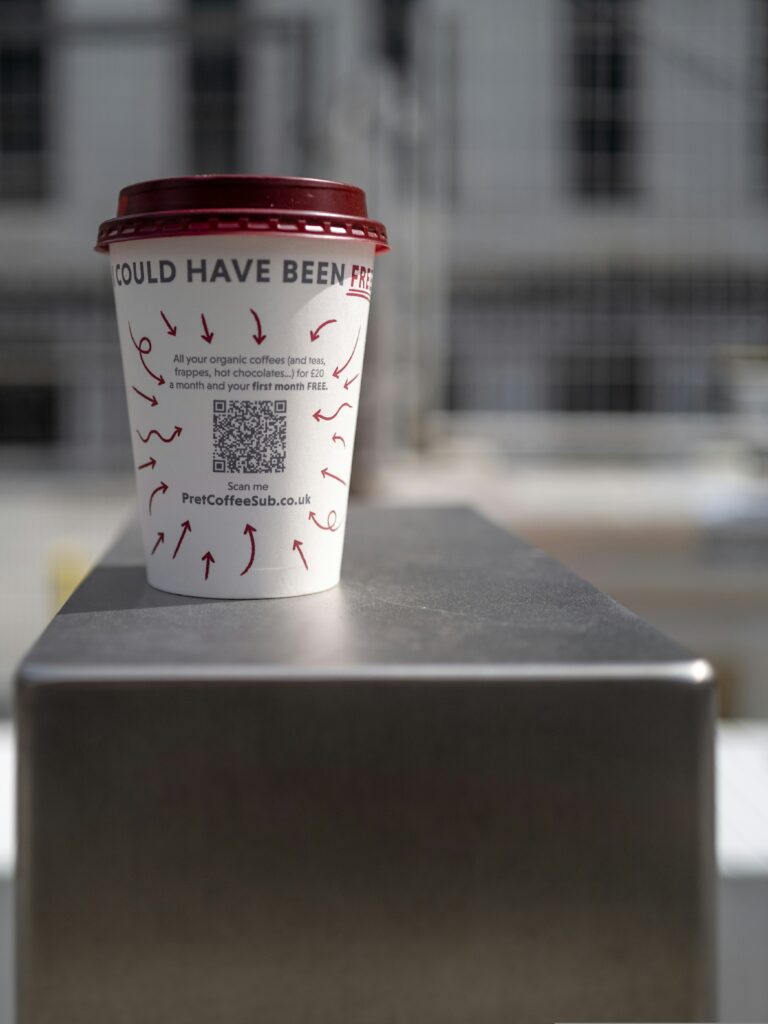
You can personalize your QR to fit your brand or campaign:
- Color: Match your logo or brand color
- Shape: Choose rounded or square patterns
- Logo: Add your logo to the center
- Frame: Use frames with callouts like “Scan Me”
Customization helps increase scan rates — in fact, branded QR codes can boost engagement by up to 80%, according to QR Code Tiger.
Step 4: Generate and Test Your QR
Click Generate QR and your code will appear instantly.
Before downloading, test it using your phone’s camera to make sure it leads to the correct link.
Step 5: Download and Share
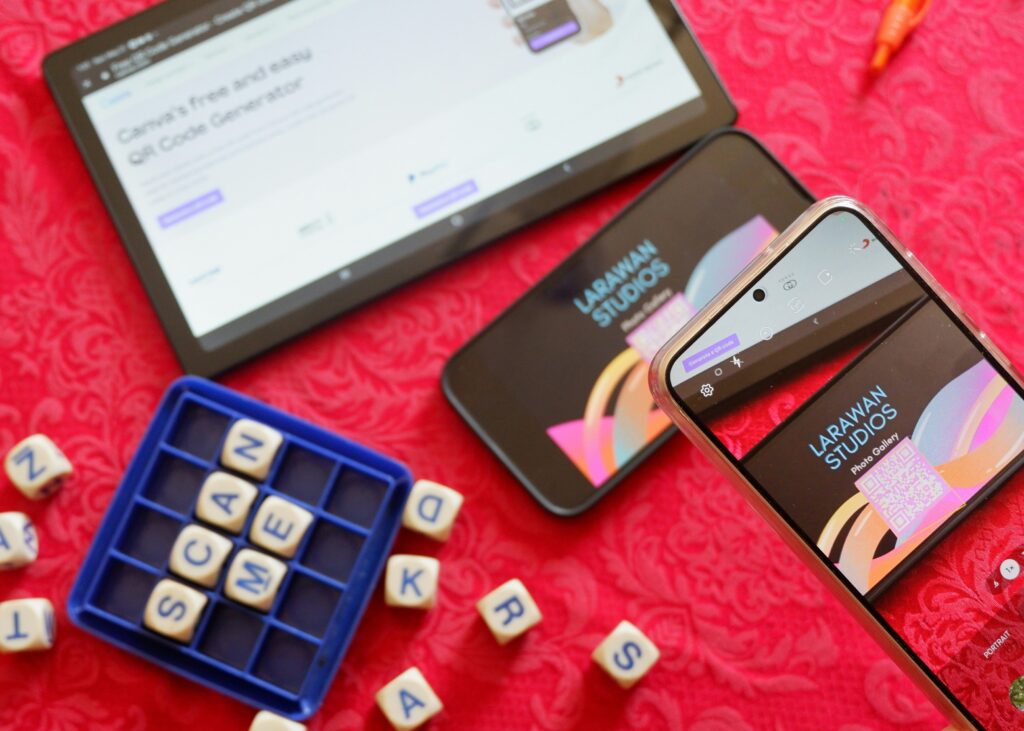
Once you’re satisfied, download your QR in PNG, SVG, or PDF format.
Now you can:
- Print it on flyers, business cards, or menus
- Embed it on your website or digital poster
- Share it via social media or WhatsApp
💡 Pro tip: Use short, clean links for better scan success rates.
Step 6: (Optional) Create a Free Account to Track Scans
While you can generate codes instantly, signing up for free gives you access to analytics:
- Real-time scan tracking
- Device and location data
- Editable links (dynamic QRs)
If you’re serious about growth, this is where the real power of Here’s Your QR comes in.
Example: How a Local Café Uses Free QR Codes
A small café in Melbourne wanted to let customers access menus digitally without reprinting them every time prices changed.
What They Did:
They created free dynamic QR codes using Here’s Your QR. Each QR linked to their digital menu hosted on Google Drive.
The Result:
- Saved over $500/year on printing
- Collected 300+ scans in the first month
- Updated menu links instantly whenever items changed
By starting with a free generator, they built a smoother customer experience and gathered insights — all without spending a cent.
Bonus Tips: Make Your Free QR Codes More Effective
Here’s how to get the most out of your free QR codes:
✔ Use a Clear Call to Action
Add short text like “Scan to View Menu” or “Scan to Follow” under your QR.
✔ Keep Enough White Space
Avoid placing your QR too close to the edge or text — scanners need clear space to detect it.
✔ Test in Different Lighting
Always check how your QR looks printed under bright or dim light.
✔ Update Links Responsibly
If you’re using dynamic QRs, avoid changing links too frequently or to unrelated destinations — it can break user trust.
Common Mistakes to Avoid
Even the simplest QR setups can go wrong if you miss the basics. Avoid these pitfalls:
- Using low-resolution downloads that blur when printed
- Linking to broken or outdated URLs
- Over-styling your QR (some color combos hurt scanability)
- Printing codes too small — minimum 2×2 cm is best
- Forgetting to test across both Android and iPhone
Why Choose “Here’s Your QR” Over Other Free Tools?
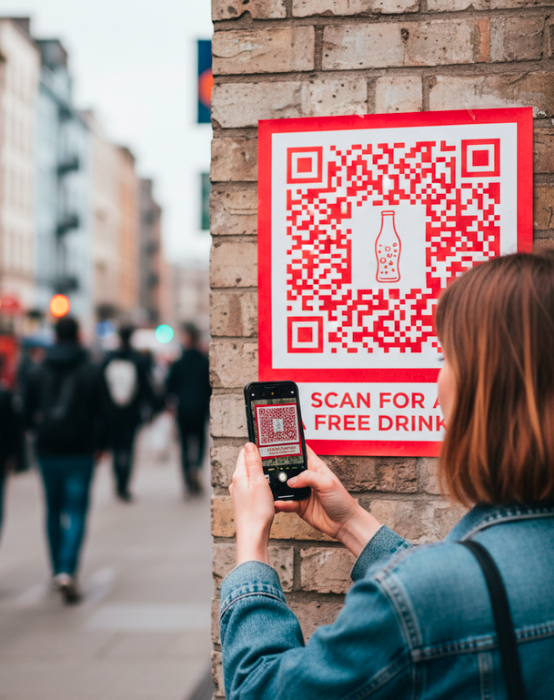
Here’s Your QR isn’t just another online QR generator — it’s a dynamic, all-purpose platform built for businesses and individuals who value simplicity, flexibility, and insight.
Here’s why users prefer it:
| Feature | Here’s Your QR | Other Free Tools |
| Unlimited free codes | ✅ | ❌ (often limited) |
| Dynamic updates | ✅ | ❌ |
| No watermark | ✅ | ❌ |
| Scan analytics | ✅ | ❌ |
| Editable design | ✅ | ✅ (limited) |
| Clean interface | ✅ | ❌ (ad-heavy) |
In short — you get the freedom of free, with the reliability of professional tools.
Create Your First Free QR Code Today
Creating a QR code shouldn’t be complicated or expensive.
With Here’s Your QR, you can generate, customize, and track your codes — all for free, all in one place.
So whether you’re launching a campaign, promoting a product, or simply sharing your portfolio — this is your starting point.
👉 Create a QR code that never expires. Get started free → Here’s Your QR
FAQs
Q1. Is “Here’s Your QR” really free to use?
Yes! You can create unlimited static QR codes for free. If you want tracking and editable links, you can upgrade later — but the basic features stay free forever.
Q2. What file types can I download my QR code in?
You can download your code as PNG, SVG, or PDF — perfect for both print and digital use.
Q3. How do I make sure my QR code doesn’t expire?
Codes generated via Here’s Your QR never expire. As long as your link remains valid, your QR will always work.
Q4. Can I track scans for free?
Tracking requires creating a free account. You’ll then be able to see scan data like total scans, device type, and location.
Leave a Reply